The coaching job
Squads, games and teamsheets without another spreadsheet.
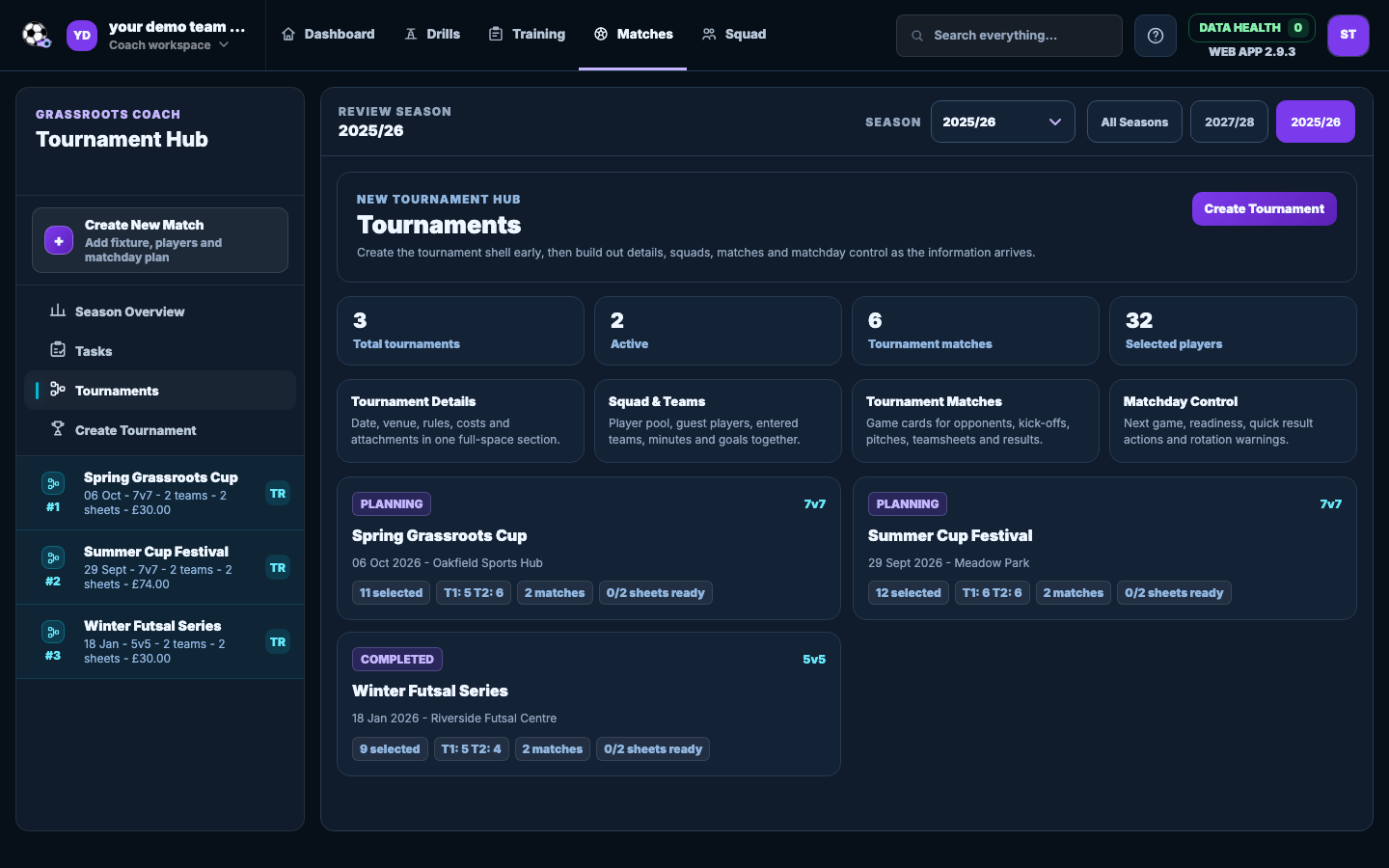
Set the day up once, then open the right game and teamsheet as the tournament moves on. Cost notes and attachments stay with the same plan.
 Grassroots CoachCoaching workspace for grassroots football
Tournament planningUltimate
Keep the squad, fixtures, lineups and practical reminders together for a day with lots of moving parts.
The coaching job
Set the day up once, then open the right game and teamsheet as the tournament moves on. Cost notes and attachments stay with the same plan.
How it fits your week
Add the tournament details, select your players and include permitted guests where needed.
Keep the game list and match plans connected instead of rebuilding them separately.
Keep reminders, cost items and attachments beside the tournament plan.
What you get
Select team players and add permitted guest players for the event.
Keep each tournament game connected to its matchday record.
Prepare a separate lineup and period plan for each fixture.
Keep notes, cost items, payment checklists and attachments with the plan.
Coach questions
No. It can keep cost notes visible, but payments stay outside Grassroots Coach.
Yes. Each tournament fixture can connect to its own teamsheet.
No. Keep those records in your club process.
Tournament planning is an Ultimate feature. Standard covers the training, squad, teamsheet and matchday workflows without it.
Create your team and complete the next job. Every Ultimate feature is included for 7 days.
No card. No automatic charge.