The coaching job
Use the full coaching workspace in a supported browser.
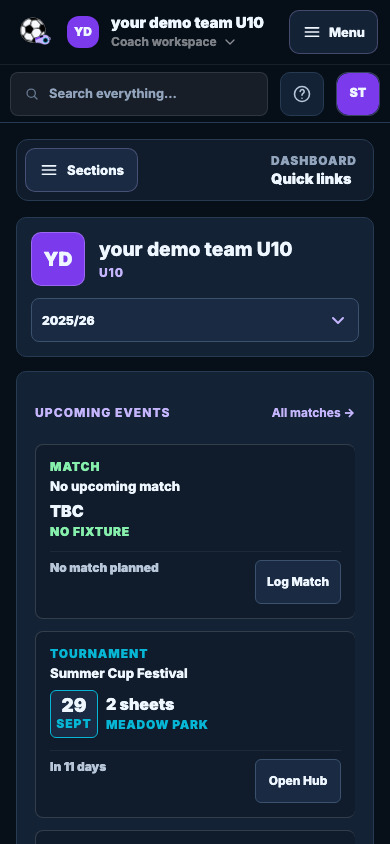
Use the larger screen when the plan needs detail. Open the same workspace from a supported phone browser when you only need the next piece of information.
 Grassroots CoachCoaching workspace for grassroots football
Browser access
Plan on a laptop or tablet, then make a quick check from your phone when training or matchday is getting close.
The coaching job
Use the larger screen when the plan needs detail. Open the same workspace from a supported phone browser when you only need the next piece of information.
How it fits your week
Plan sessions, manage the squad and build teamsheets on a laptop or tablet.
Open dashboard, session, squad or matchday context without copying it into another place.
Use browser access for the full workspace. The Companion gives you a tighter view for pitch-side checks.
What you get
Use the full workspace when sessions, teamsheets or settings need more room.
Open the same team workspace from a supported tablet browser.
Review the dashboard, session, squad and matchday context from a supported phone browser.
Keep the latest saved team information available across supported browsers.
Coach questions
No. Browser access opens the main coaching workspace; the Mobile Companion provides a focused pitch-side experience.
Detailed planning is easier on a larger screen. Browser access is useful for quick checks.
Yes. Key information can be checked from a phone browser around training and matchday.
Create your team and complete the next job. Every Ultimate feature is included for 7 days.
No card. No automatic charge.